QR code not working · 8 min read · Updated 2026-08-28
Why QR Codes Stop Working (And How to Create Ones That Don’t)
QR codes fail because of expired generators, moved URLs, bad print size, low contrast, or cropped quiet zones. Here is how to diagnose and how to create a code that lasts.
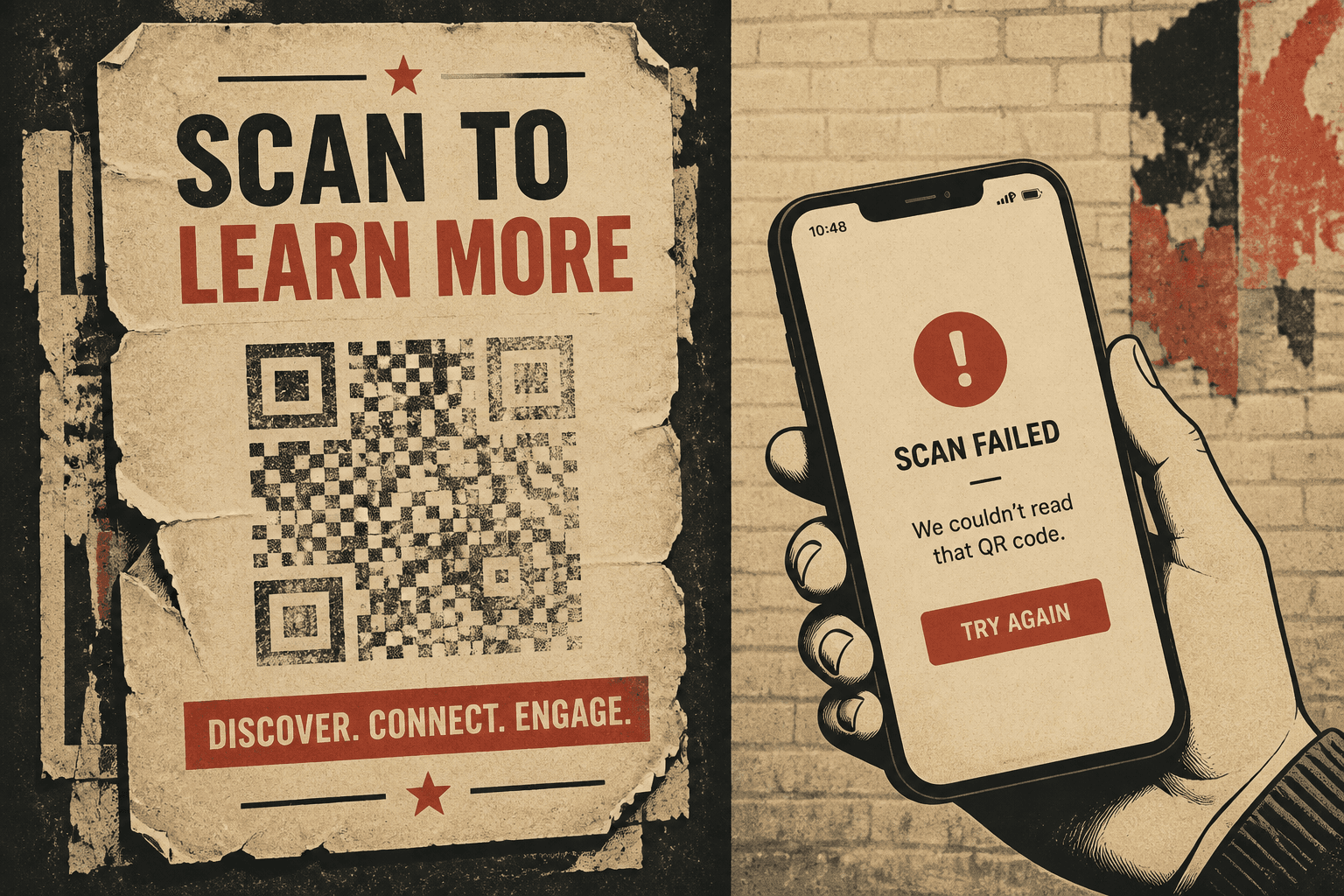
A QR code not working is two different failures that people mix up. Either the camera never locks onto the pattern, or it locks on and then the internet says no.
The camera will not detect the code
- Printed too small for the distance. See the size guide.
- Quiet zone cropped by a bleed or a logo.
- Stretched, italicized, or placed on a tight curve.
- Low contrast: gray on kraft, white on a photograph, codes in gold foil.
- Damage: scuff, condensation, sun fade.
The camera detects it, then it fails
- The destination 404s or the HTTPS certificate died.
- The generator paused the redirect when a trial ended.
- The short link vendor shut down.
- The page blocks mobile user-agents or requires a login.
How to fix it
- Scan and copy the decoded URL. If it is your campaign URL, the code is static — reprint with a dynamic one.
- If it is a short link on a generator you still log into, point it at a live page.
- If the account is closed, that print run is done. Create a QR code you will still own next year.
Next print: create a QR code you can edit after printing.
FAQ
Why did my QR code stop working?
Usually the destination URL moved, the generator expired the redirect, or the print is too small, low contrast, or damaged. Check whether the camera sees a code at all, then open the decoded URL in a browser.
Can I fix a printed QR code without reprinting?
Only if it is dynamic and you still control the short link. Change the destination. If it is static, you must print a new image.