QR code for restaurant menu · 8 min read · Updated 2026-08-28
How to Create a QR Code for a Restaurant Menu
Create a QR code for a restaurant menu that you can update when dishes change. Table tent sizes, PDF vs web menus, and why dynamic codes belong on tables.
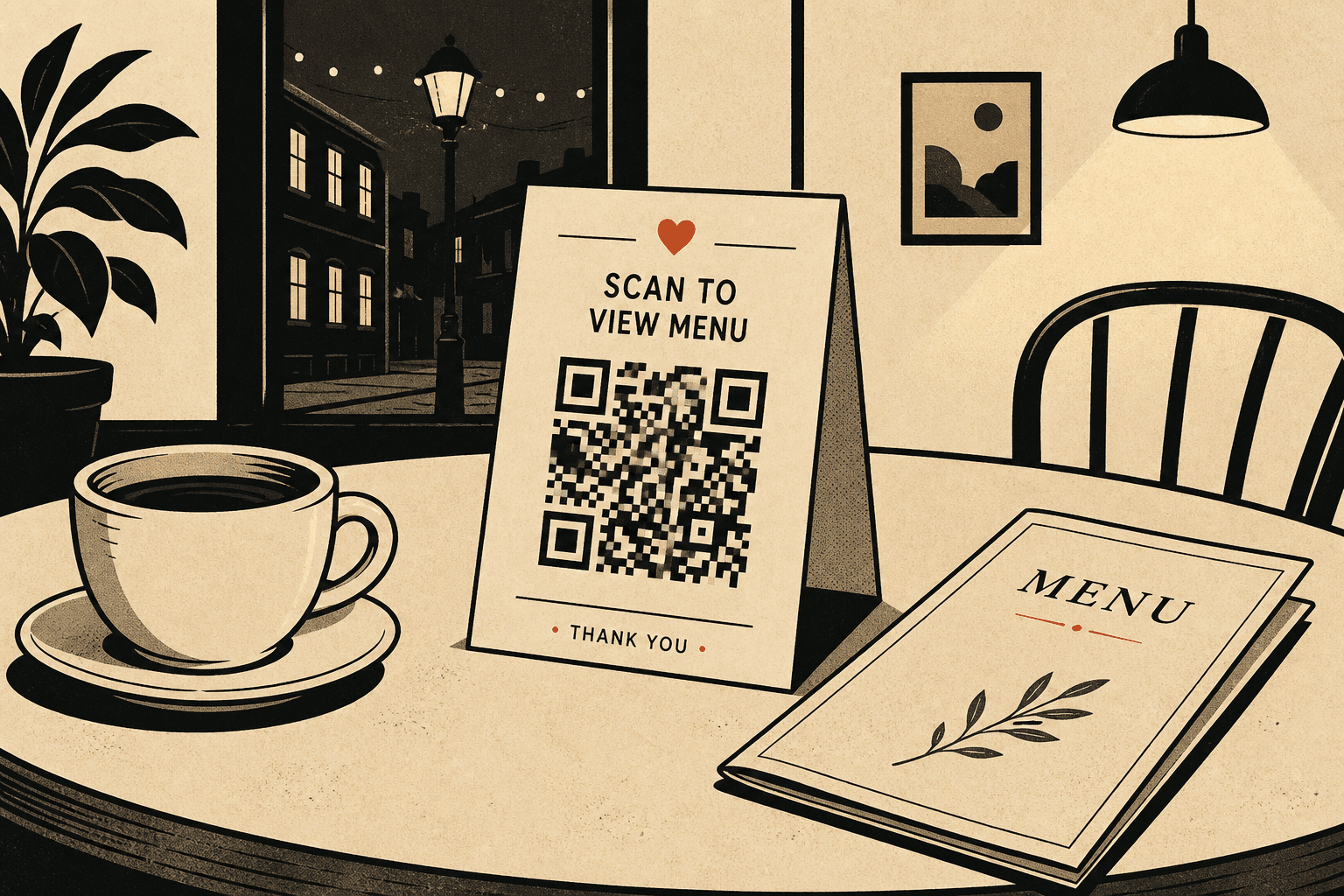
A QR code for a restaurant menu is not a design flourish. It is a table object that has to scan in low light, survive ketchup, and still work when you change the lamb special on Thursday.
Create the code as dynamic. The tent encodes a short link. Your dashboard points that link at this week’s menu page. Guests never need a new square.
Web menu vs PDF
- Web page: best default. Easy to read on a phone, easy to update, easy to add allergens later.
- PDF: fine if your designer already produces one. Host it at a URL you control. Replace the file, keep the same path, or edit the dynamic destination.
- Avoid: attaching a PDF in email and encoding that link. Those URLs rot.
Print specs for table tents
| Detail | Recommendation |
|---|---|
| Code size | 4 cm square on a typical tent |
| Contrast | Black on white or cream. Skip gold foil. |
| Label | “Scan for today’s menu” in plain type |
| Placement | Front of tent, unobstructed, not under a glass rim |
| Code type | Dynamic, so the URL can change |
Create the menu QR in four steps
- Publish the current menu at a URL you own.
- Create a QR code from that URL. Use a generator that gives you a short link you can edit.
- Download the PNG, place it at 4 cm, print one tent, scan it at the actual table.
- When dishes change, edit the destination. Do not send the designer a new QR file unless the design changed.
Common restaurant QR mistakes
- One tiny code trying to be menu, Wi‑Fi, Instagram, and tipping. Split jobs or guests bounce.
- Encoding a Google Drive link that asks people to request access.
- Printing static codes for a seasonal menu.
- No scan test after the first weekend when the tent got wet.
If you also need window or flyer codes, use the print size guide. Create the table code first — it is the one guests actually scan.
FAQ
How do I create a QR code for a restaurant menu?
Publish the menu online, create a dynamic QR code that points at a short link, print it on the table tent, then change the destination whenever the menu changes.
Should a menu QR code be static or dynamic?
Dynamic. Menus change. A static code printed on 40 tables becomes wrong the first time you swap a PDF.
What size QR code should I print on a table tent?
About 4 cm (1.5 in) square. Dim dining rooms and mixed phone ages need more size than a business card.